Help
Each guide follows one game, Who Eats Whom? Pond Chain, a food-chain card game for a classroom, with a screenshot of every step.
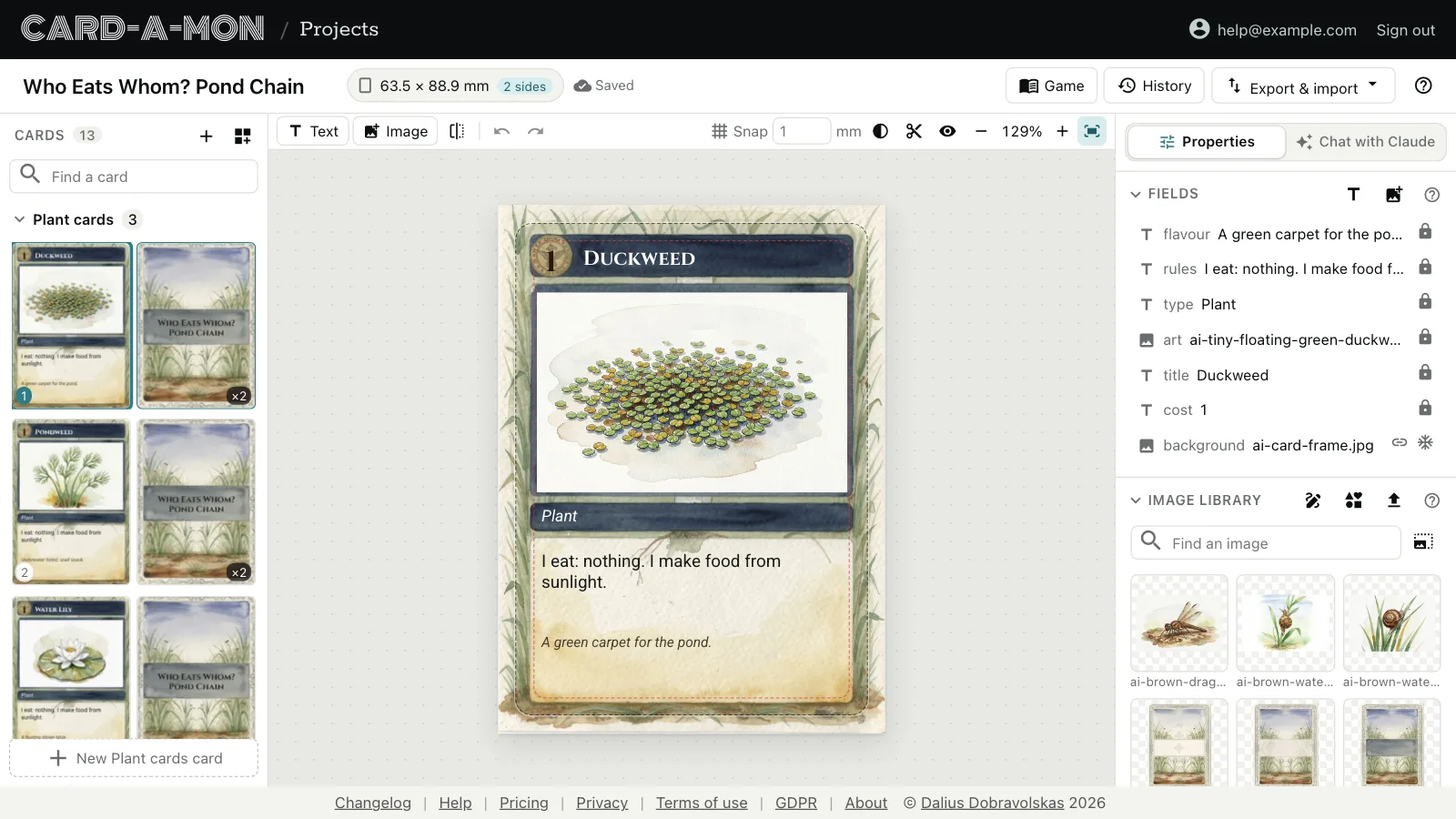 Your first project
Make a project, find your way round the editor, and set the size of the cards, their bleed and their backs.
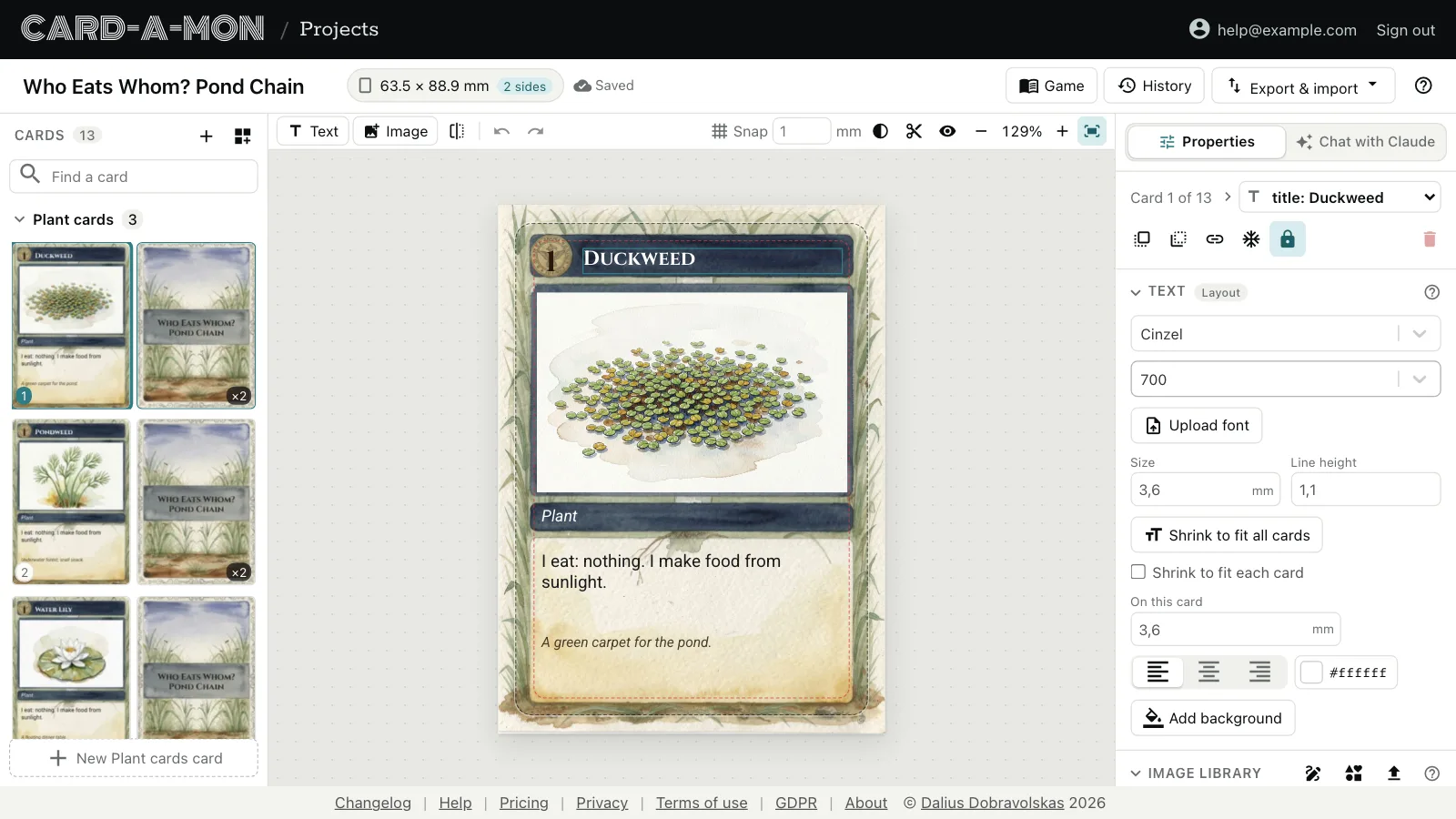 Lay out the cards
Text and image fields, fonts and text that fits, what each card has of its own, and layouts for cards of different designs.
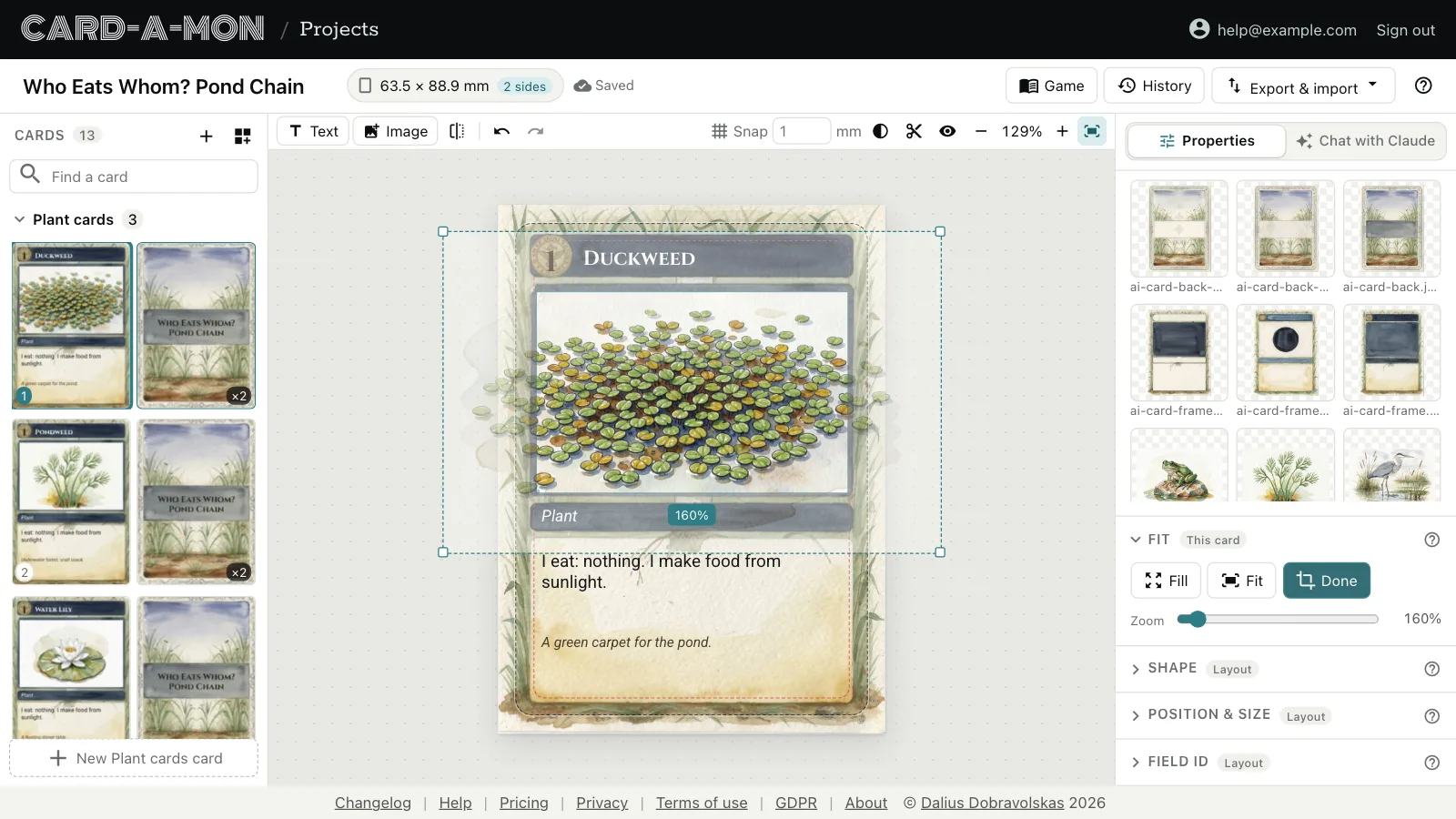 Pictures
Upload pictures, pick icons, crop them and cut them to a shape, and say what each card's picture should show.
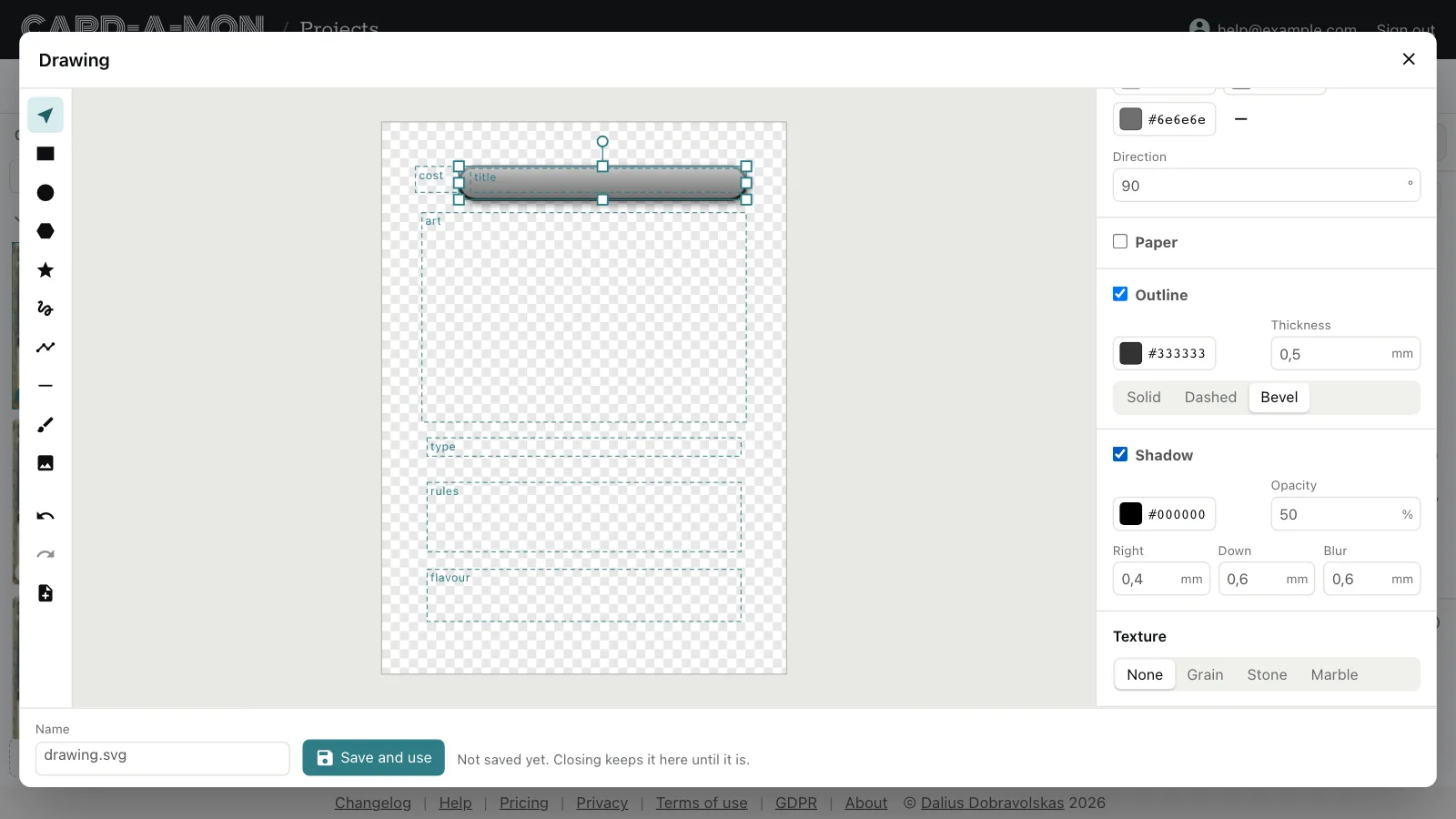 Draw frames and shapes
Draw a card's frame, title bar and badges in shapes, colours and gradients, and combine shapes into new ones.
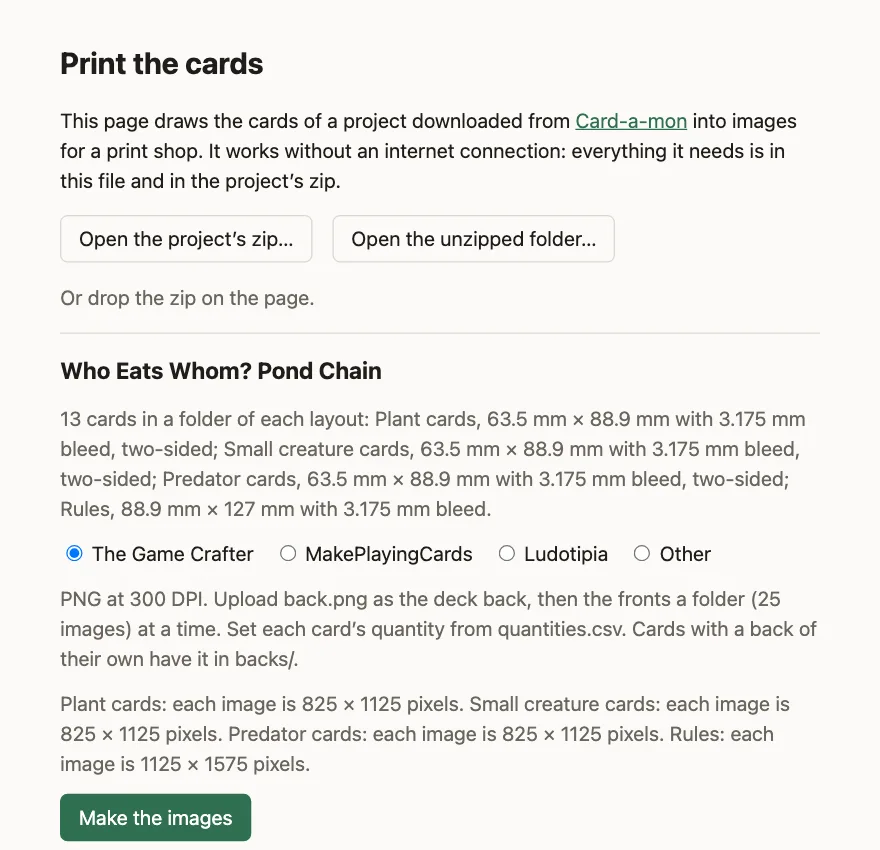
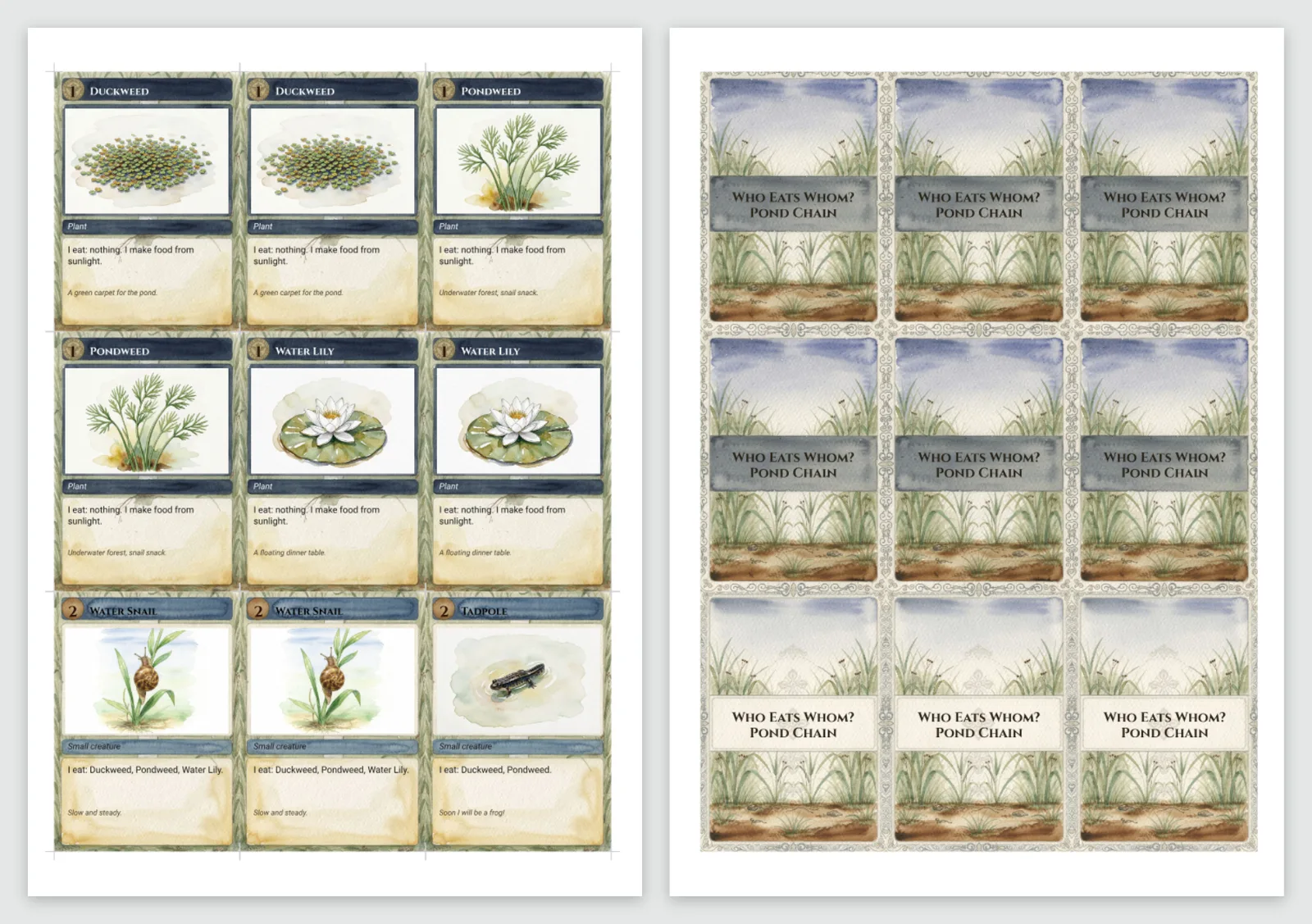 Print the cards
A print-and-play PDF, the check before printing, images for a print shop and what they cost there, and sending a game to The Game Crafter.
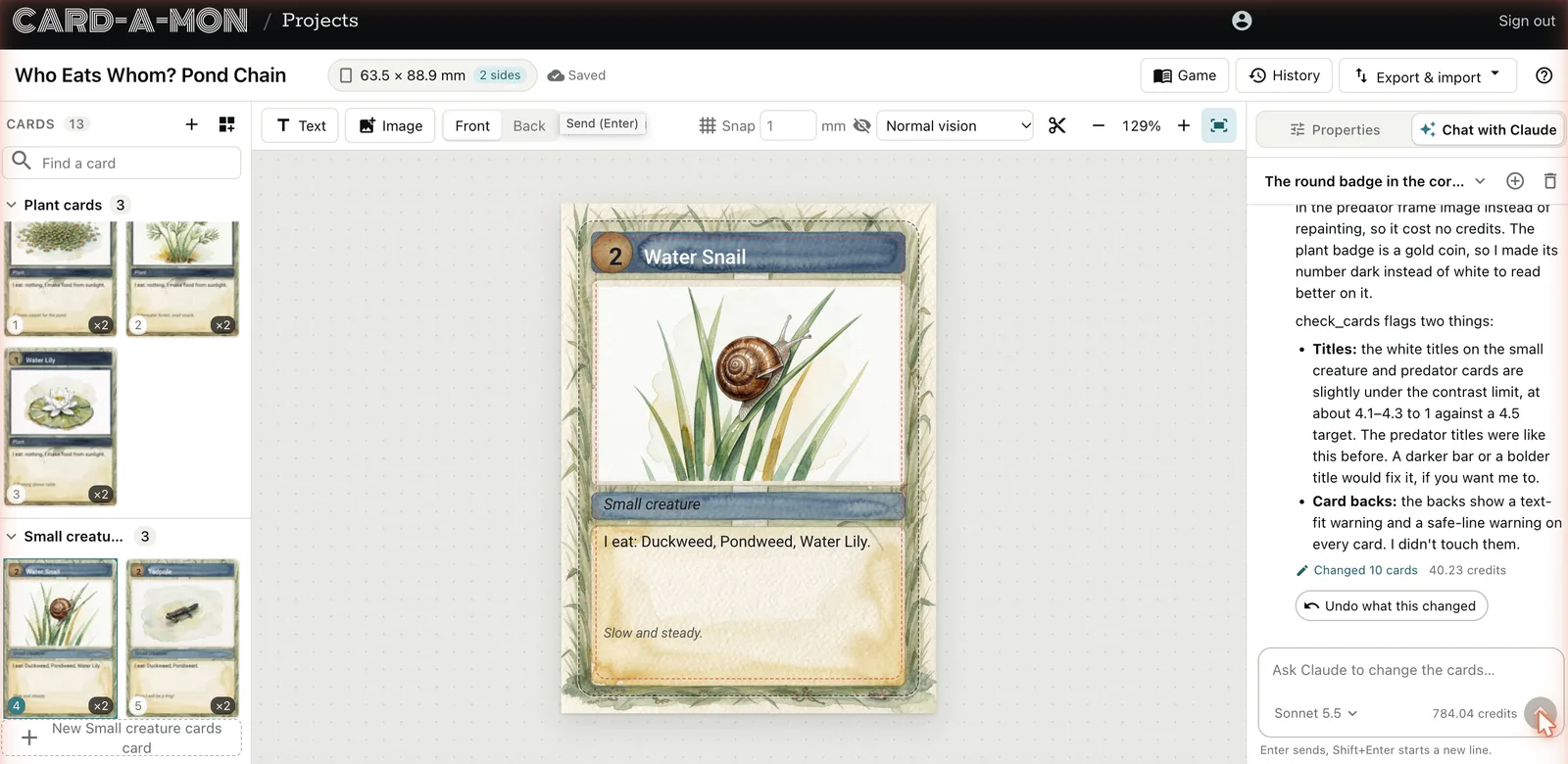 Work on a game with Claude
Ask Claude, in the chat beside the cards, to change them, check them or price them, and have bots playtest the game.
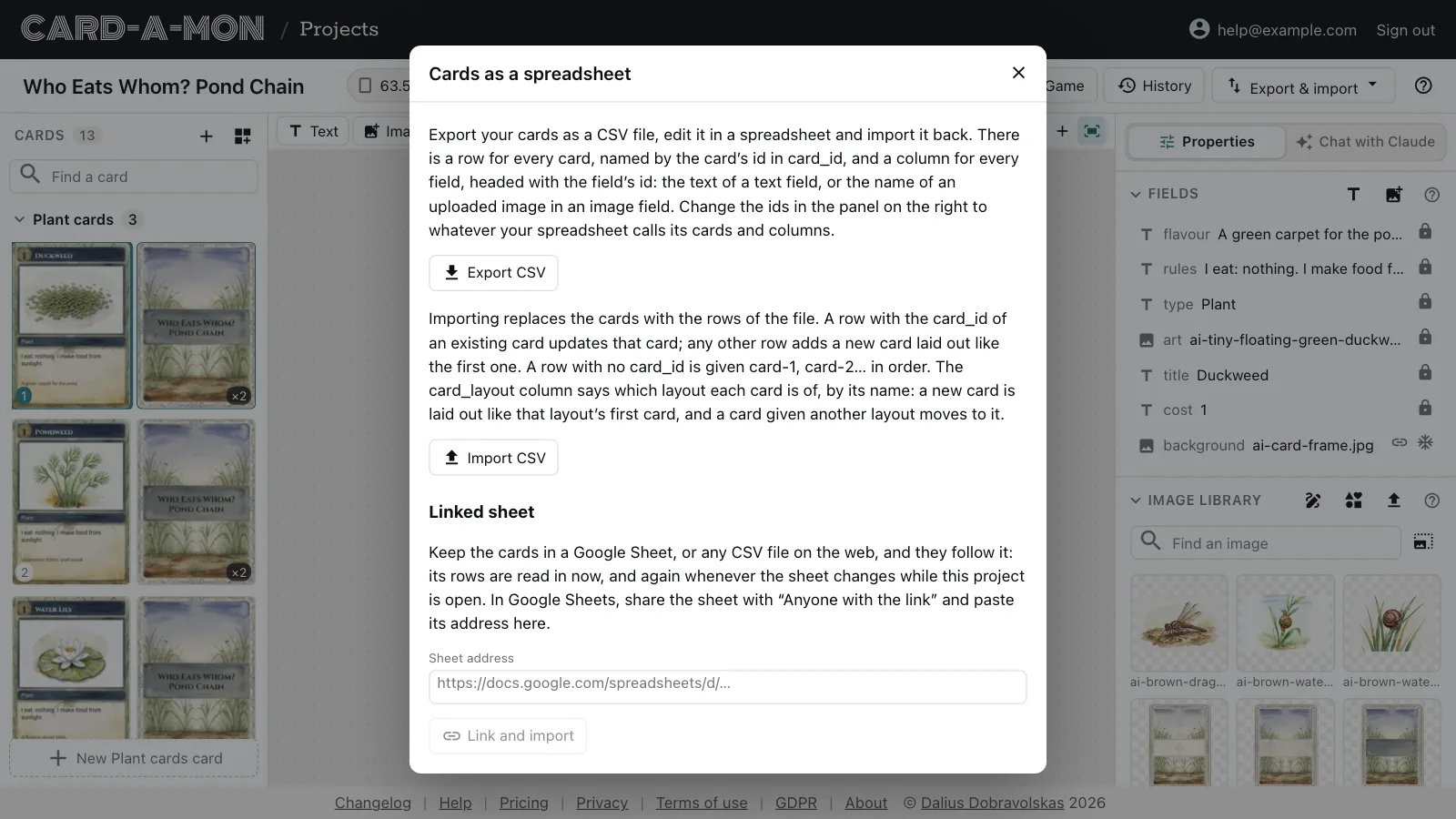 Cards in a spreadsheet
Fill the cards in from a CSV file or a linked Google Sheet, and keep them there.
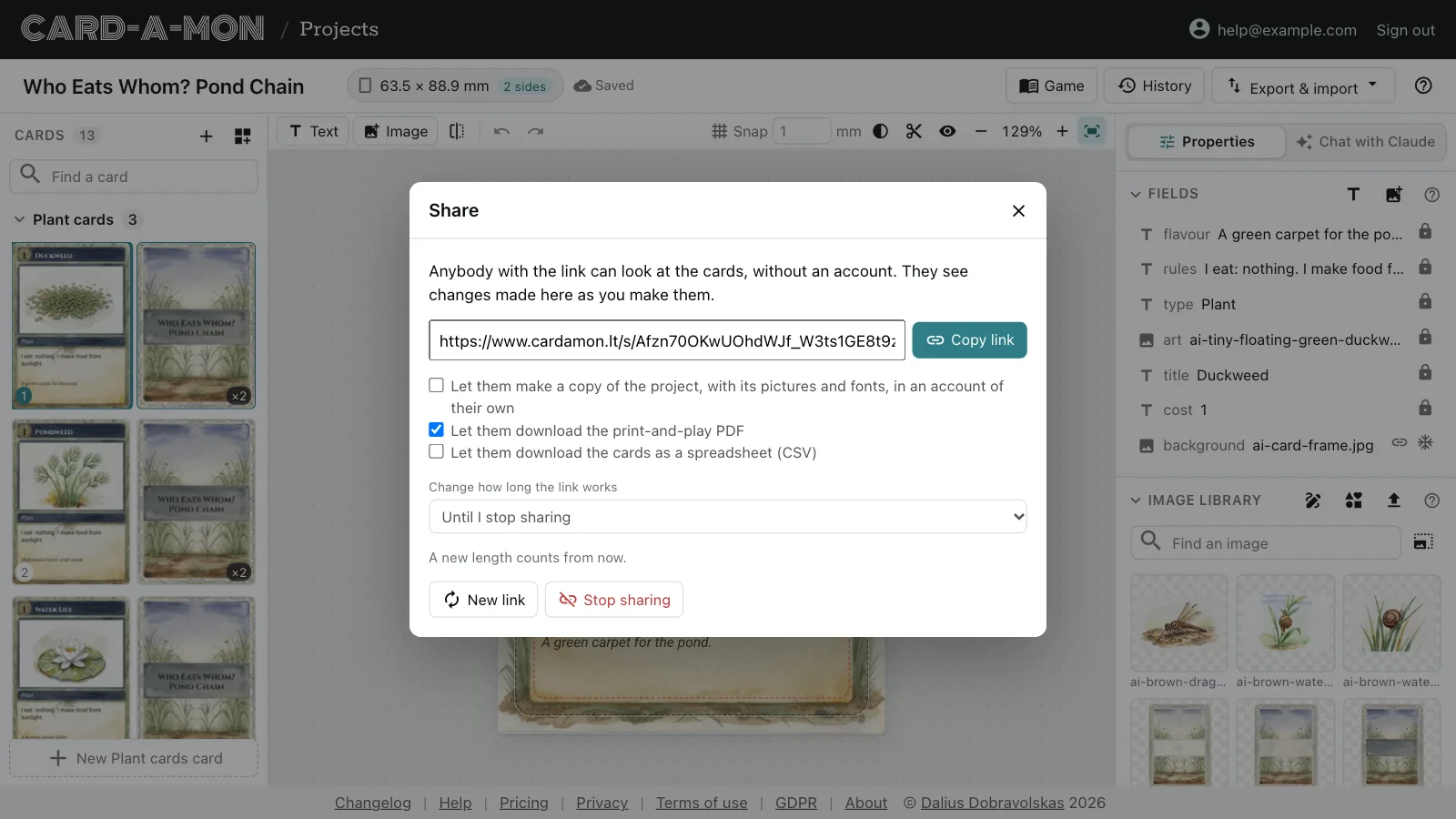 Share and keep your work
A link that shows the cards to anybody, the history of every version, and the whole project as a file of your own.
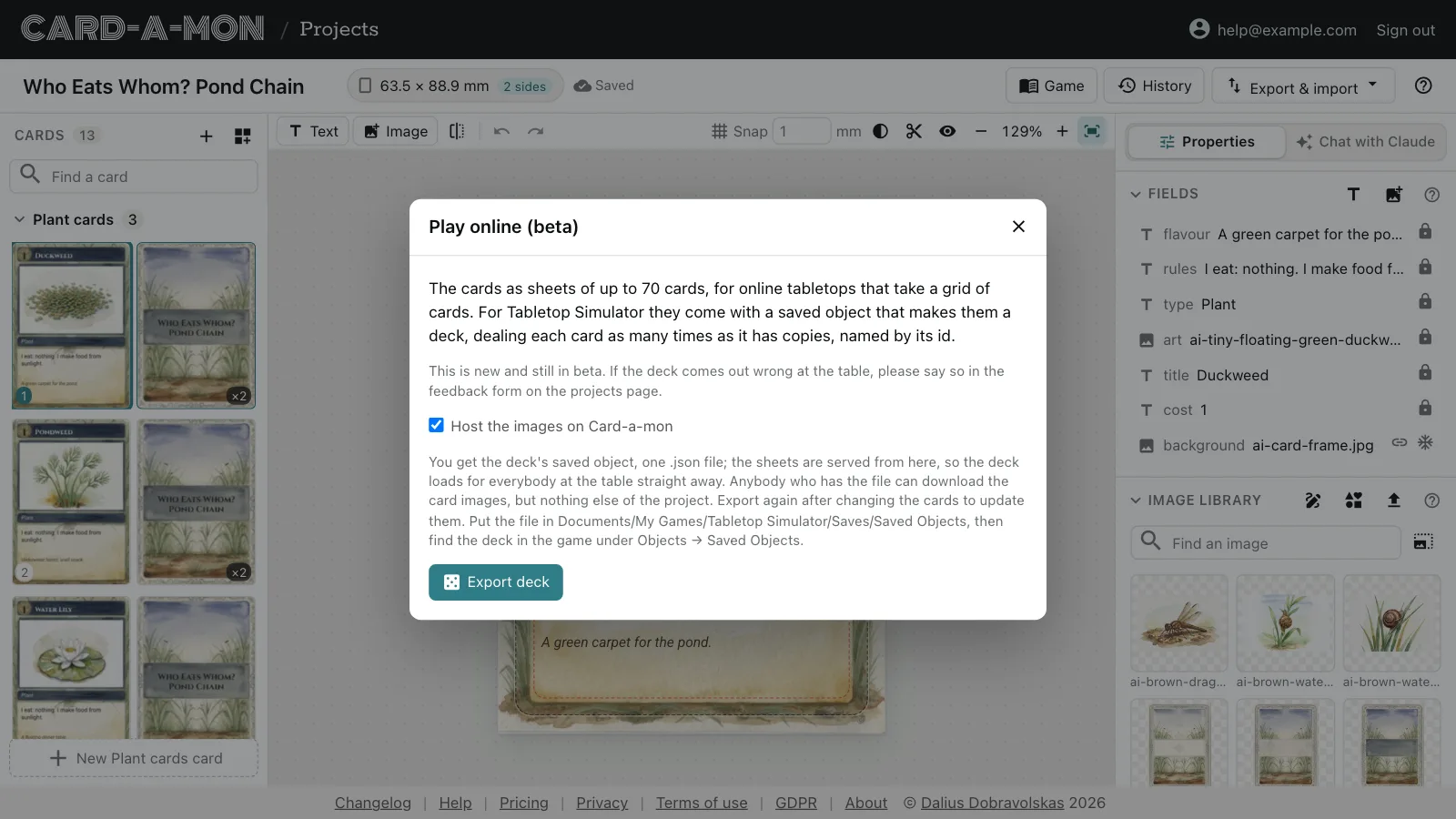 Play online
A deck for Tabletop Simulator, sheets of cards for the other online tabletops, or the cards sent to Dustin's Designer Den.
 Your work is yours, and the free plan
Why a game made here is never stuck here, and how to make the most of the free plan.
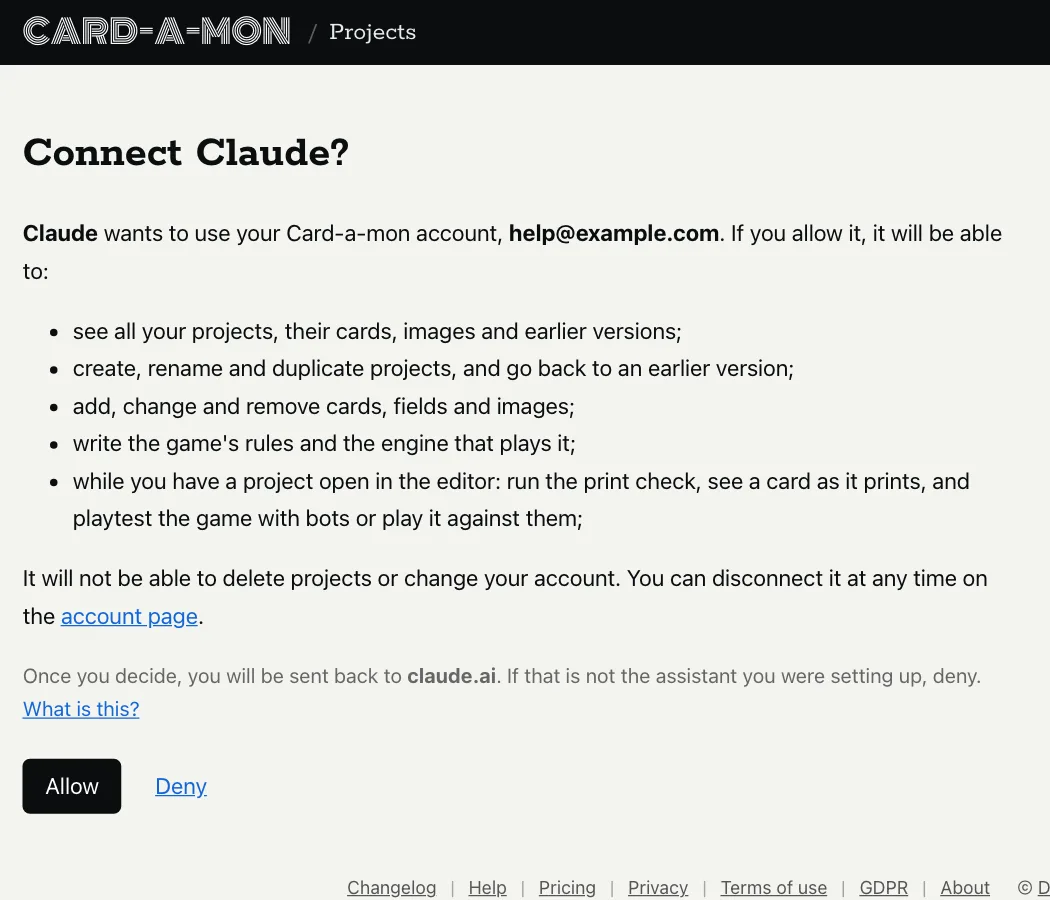 Connect an AI assistant
Let Claude or another assistant you already use work on your projects.
Reference
The project file: what is in a project's zip and its project.json, to print the cards, read them in a script or take them to another tool without Card-a-mon.
Choosing a tool
Coming from nanDECK, Dextrous or Chitmunk, or choosing between them? See Card-a-mon or nanDECK?, Card-a-mon or Dextrous? and Card-a-mon or Chitmunk?
If you have a question, write to info@cardamon.lt or ask on Discord.