Lay out one card. Fill in the deck. Print it.
Card-a-mon is a free editor for card games that runs in your browser, on a desktop or a phone. It takes a game from the first prototype to files a print shop will accept.
Start now
Enter your email and we will send you a sign-in link. No password to remember.
Or make a game on this computer, without an account: it is kept in this browser.

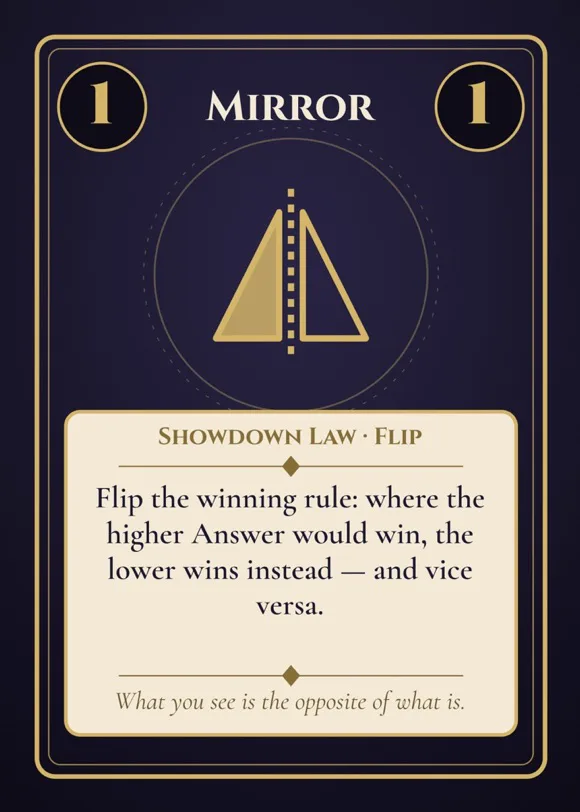
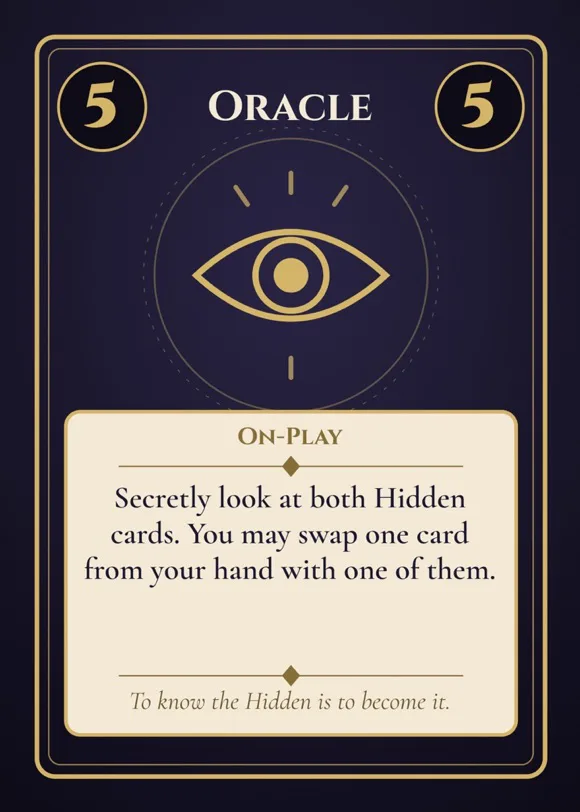
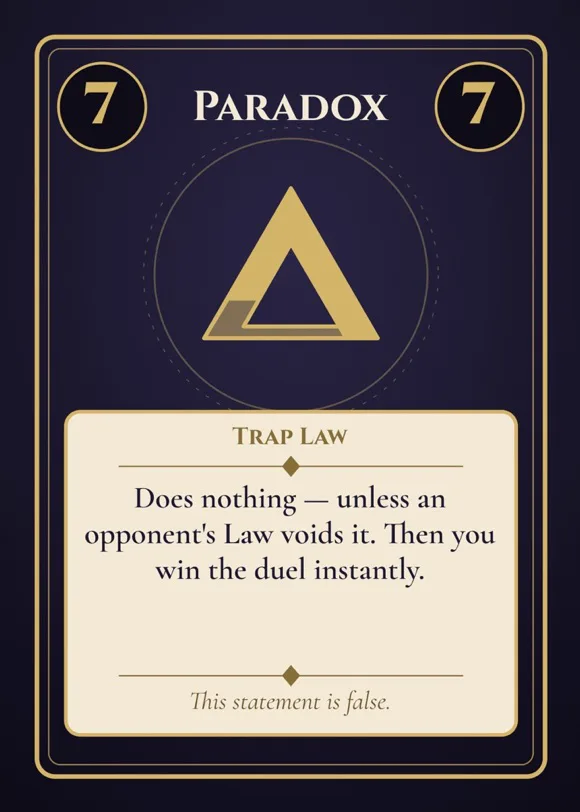
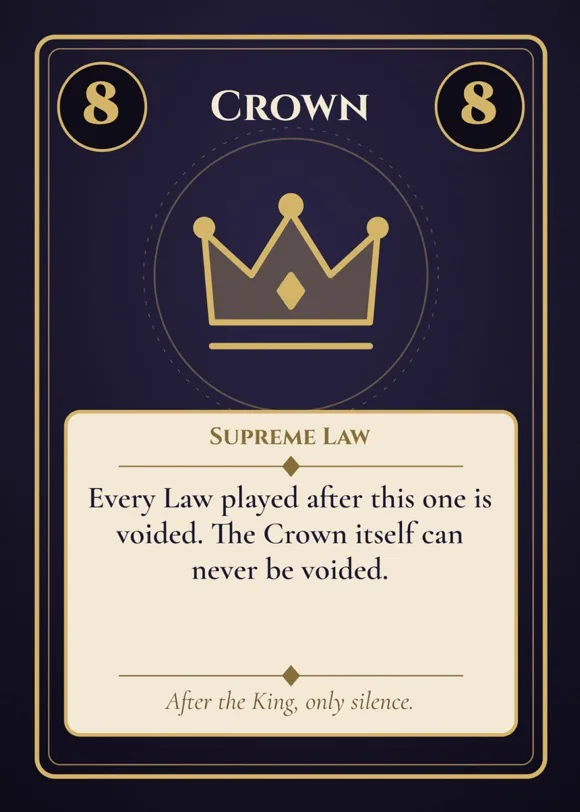
Design the card once
A card is a set of text and image boxes. You place them once and every card in the set shares that layout; what changes from card to card is the text and the pictures. Edit right on the card, and see it exactly as it will print.
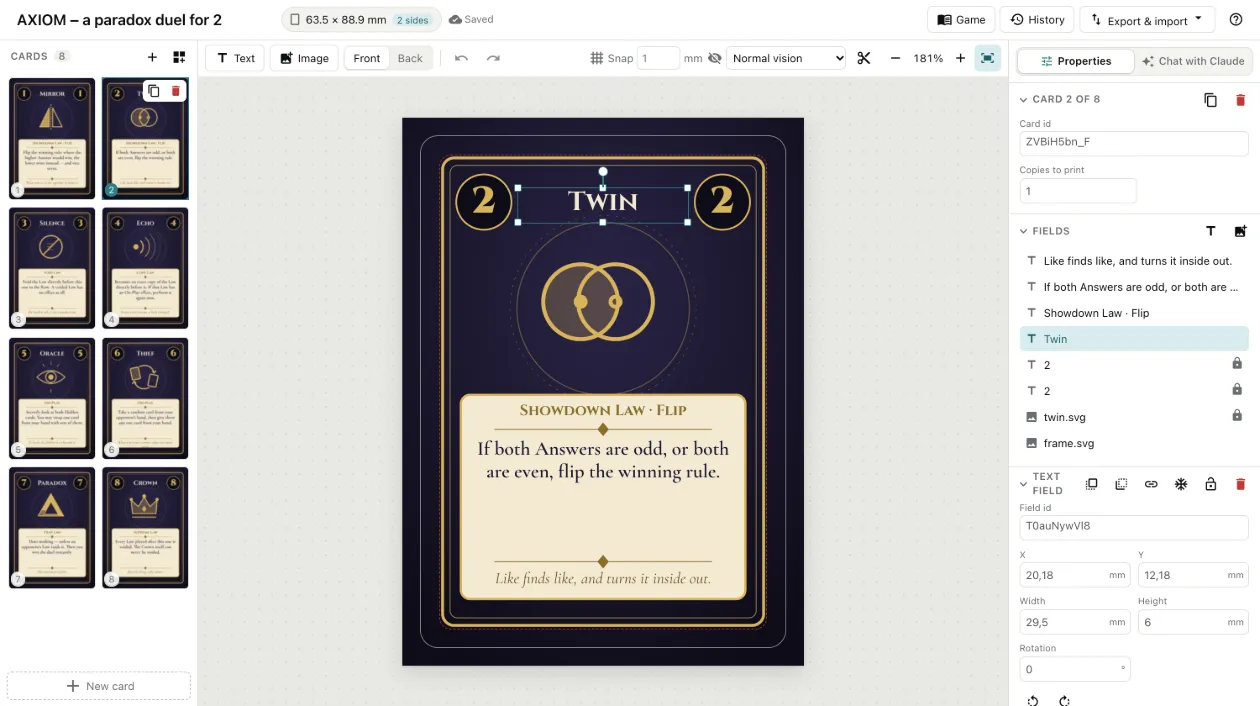
Ask Claude for what the game needs
The chat beside the cards reads the project and changes it, as you watch. See it at work.
- Make the titles bigger.
- Every card of that layout changes, and Claude looks at the cards afterwards to check no title is cut off.
- Put an icon on every resource.
- Claude picks one from the icon library for each, and sets it among the words where the rules name it.
- Is the dragon too strong?
- Claude writes your rules as a program, and bots play the game hundreds of times in your browser. You see how strong each card is, how much skill counts against luck, and a fix tried on the same deals before it is suggested.
- What would this cost to print?
- The cards priced at The Game Crafter, MakePlayingCards and Ludotipia, for the sizes and counts they are.
Claude is paid for in AI credits, one credit to a cent. Maker includes 300 a month and Pro 1,200, and packs from €5 work on any plan, Free included. Plans and credits
Not just card games
Anything you print as a stack of cards is one layout and a list of what goes on each card. Start from a template made for it.
- Card games Prototype a game of your own and take it to a print shop.
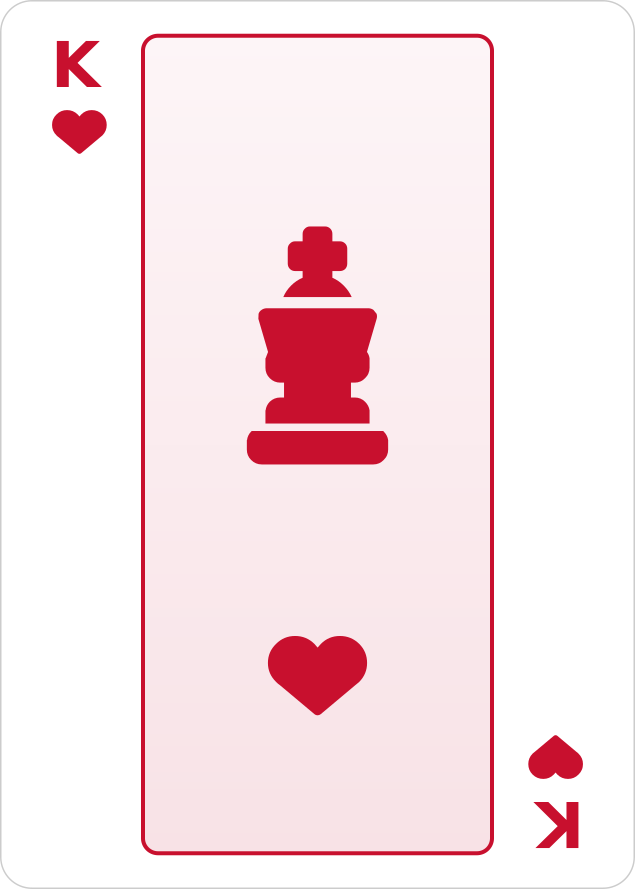 Custom playing cards A full deck with your own colours, court cards and back.
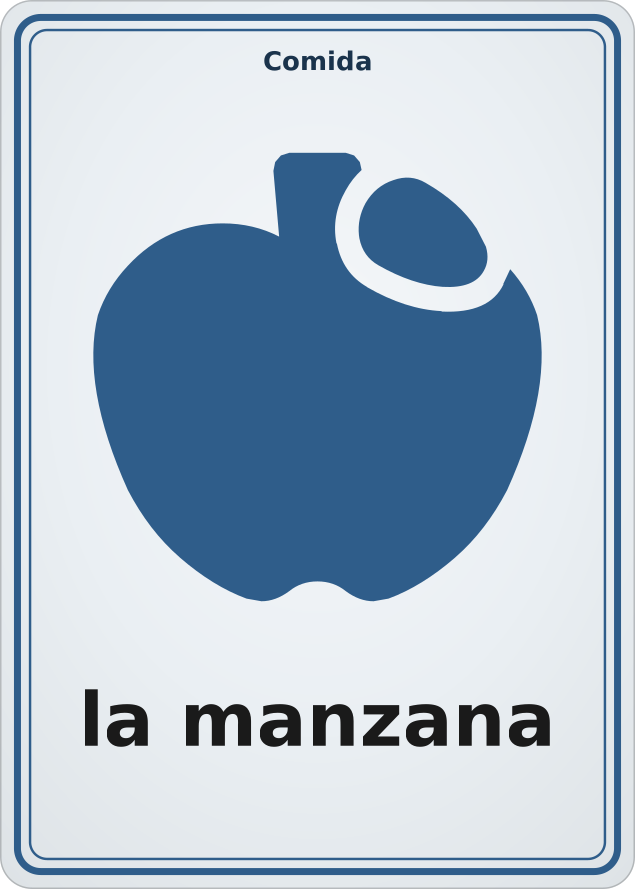 Flashcards Questions on the front, answers on the back, printed double-sided.
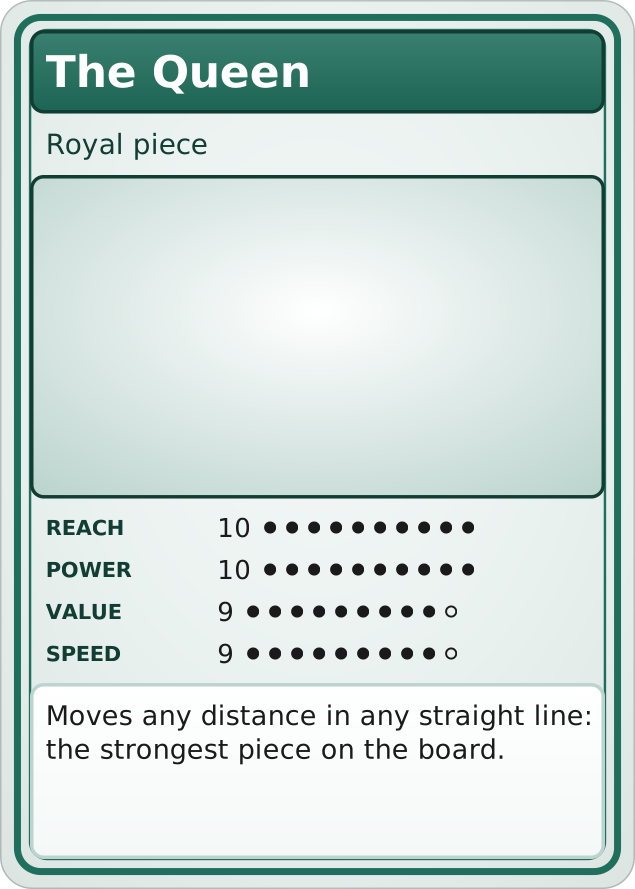 Trading cards A card for everyone on the team, with a picture, stats and a bio.
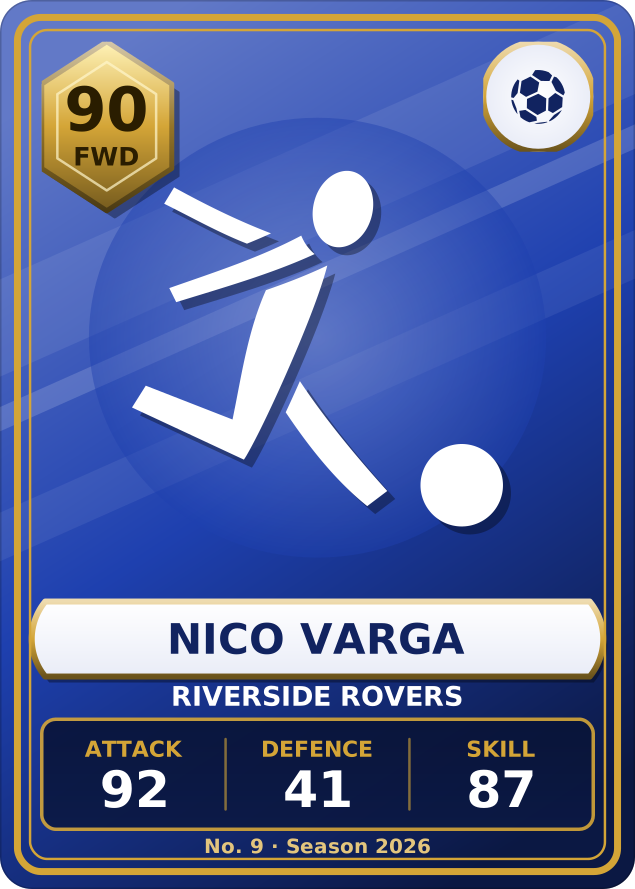 Sports cards Player cards with a rating and stats, or hockey cards with stats on the back.
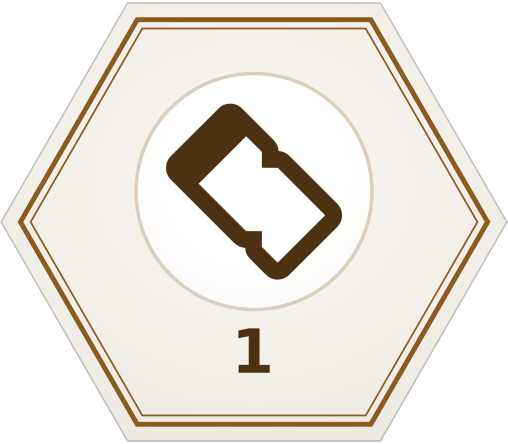 Tokens and tiles Round, hex and square chits to punch out at home or have printed.
What you can do with it
Designing
- Place boxes in millimetres
- Drag, resize and rotate text and image boxes, or type exact positions. They snap to each other as you go.
- See the cut before you print
- Every card shows its bleed and its safe area, so art reaches the edge and text stays clear of the blade.
- Set the type
- About 140 fonts chosen for card games, or your own, with bold, italic, colour and alignment, and small icons inline with the words.
- Both sides
- A two-sided set has a front and a back for every card.
- Your own artwork
- Upload images once and use them on any card in the project.
Filling in the deck
- Work in a spreadsheet
- Export the cards to CSV — a row per card, a column per box — edit them anywhere, and import them back. Or link a Google Sheet, and the cards follow it.
- Choose how many of each
- Give a card a count, and that many copies go into the print.
- Let an AI assistant help
- Ask Claude, in the chat beside the cards, to fill in cards, rework their text, check them for print and playtest the game. How the chat works.
Keeping your work
- On every device
- Projects are saved to your account and open wherever you sign in.
- Try things safely
- Duplicate a project to test an idea without touching the original.
- Yours to take away
- Download everything in your account as one SQLite file, or delete the account and all of it. There is no tracking and no advertising.
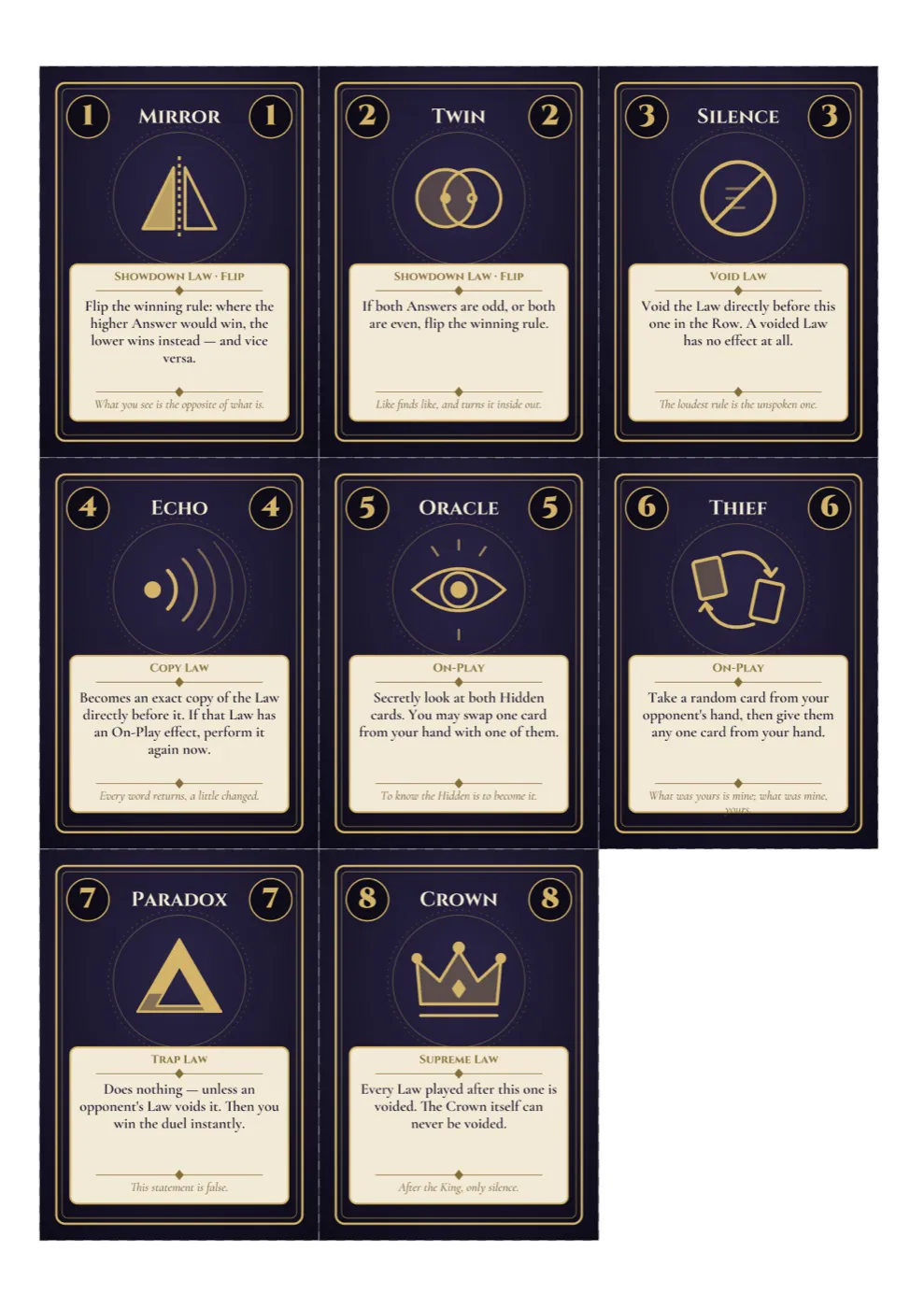
Print it
At home
Generate a PDF sized to your paper, with your own margins and gaps, and cut marks to follow with scissors. Print a prototype for tonight's playtest, or send it to friends.
At a print shop
Generate a PNG of every card, bleed included, at the resolution the shop asks for — 300 DPI unless you change it — with the bleed it asks for. That is what The Game Crafter, MakePlayingCards, Ludotipia and similar services take.