Card templates to fill in and print
A playing card template or a game card template is only a start: here each one opens in an editor, with its fields ready to type into. Change the size, fill in the cards from a spreadsheet, and print a PDF at home or the files a print shop takes.
Free, in your browser. Try any of them without an account.
The templates
Every card below is what the template really makes, drawn by the editor. Open one on this computer with no account — it is kept in your browser — or in a free account, which keeps it online.
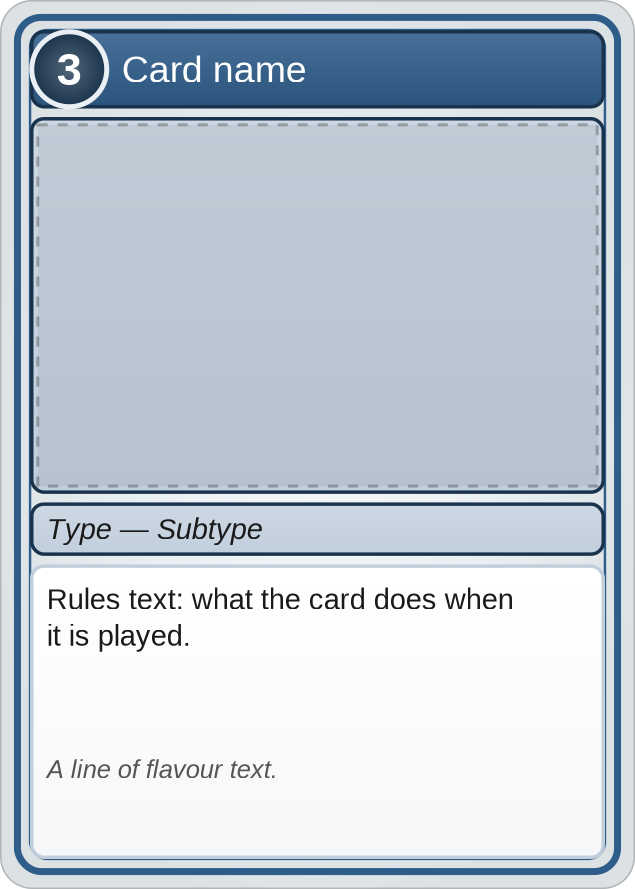
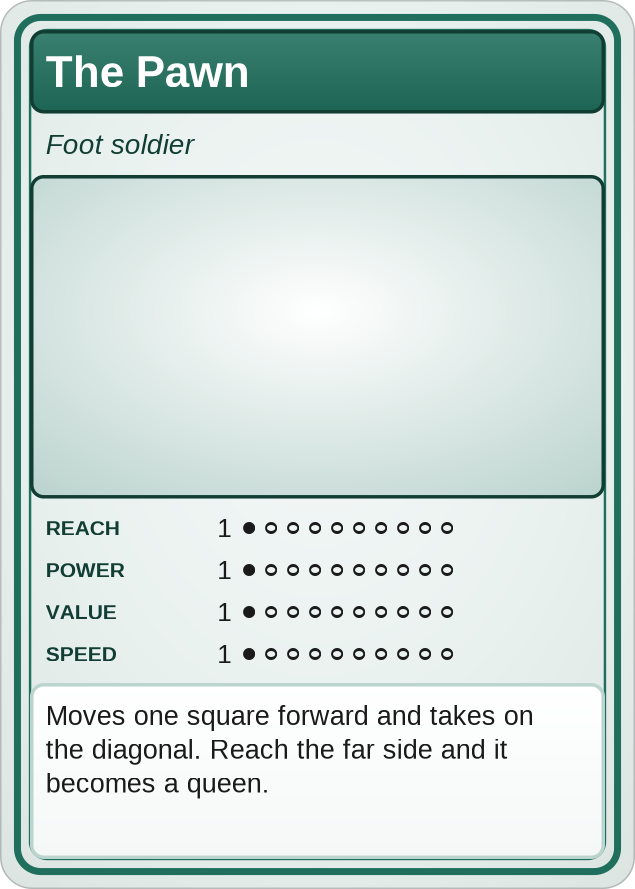
Game card
Poker, tall, square or landscape
The plain card of a card game: a cost, the title, a frame for the art, a type line, and rules and flavour text. Ready to be filled in from a spreadsheet.
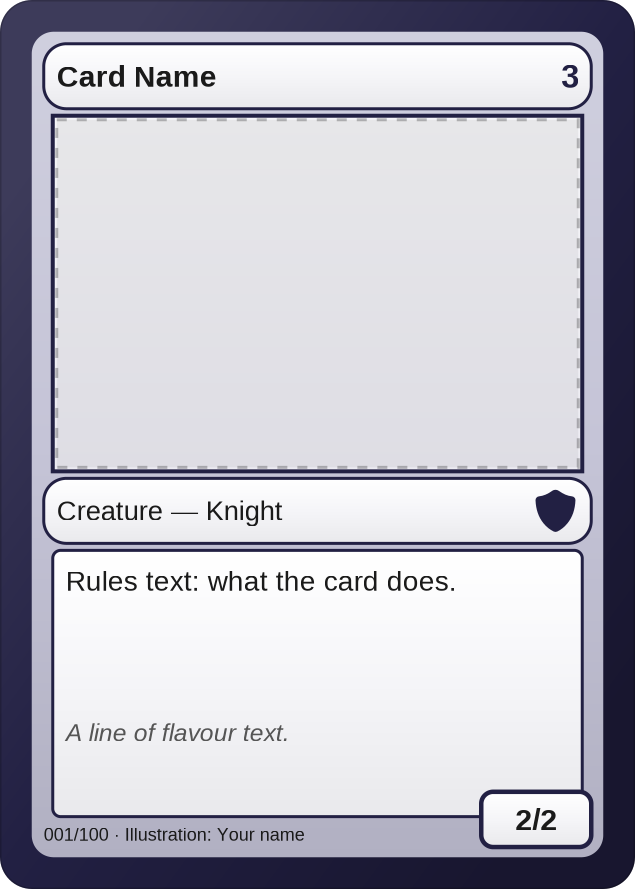
Fantasy card
Poker, tall or landscape
A dark border round a textured frame, the title and the cost in pips, a frame for the art, a type bar with a set symbol, rules and flavour, and a power and toughness plate.
Monster card
Poker, tall or landscape
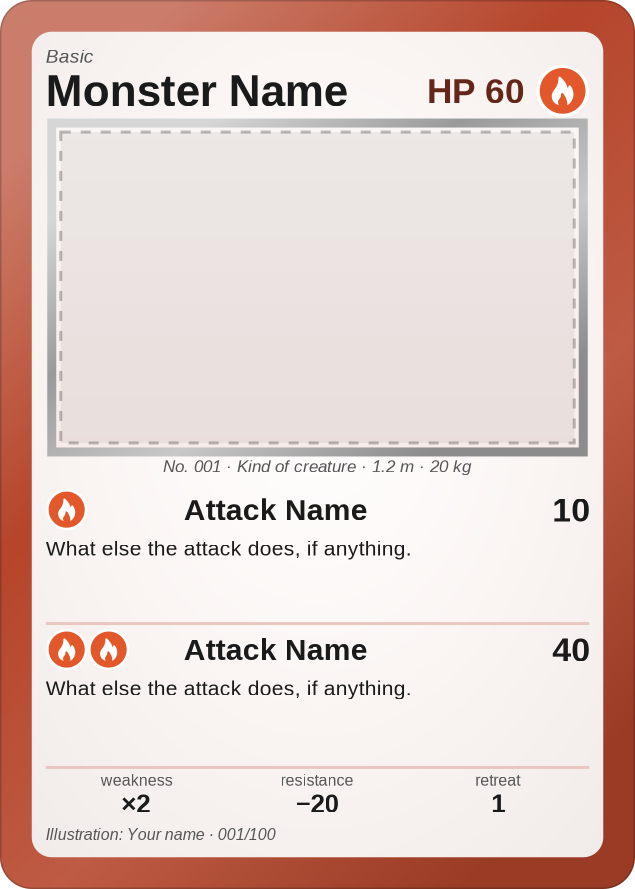
A creature for a trading card game: name and hit points, the art, two attacks with their cost and damage, and weakness, resistance and retreat.
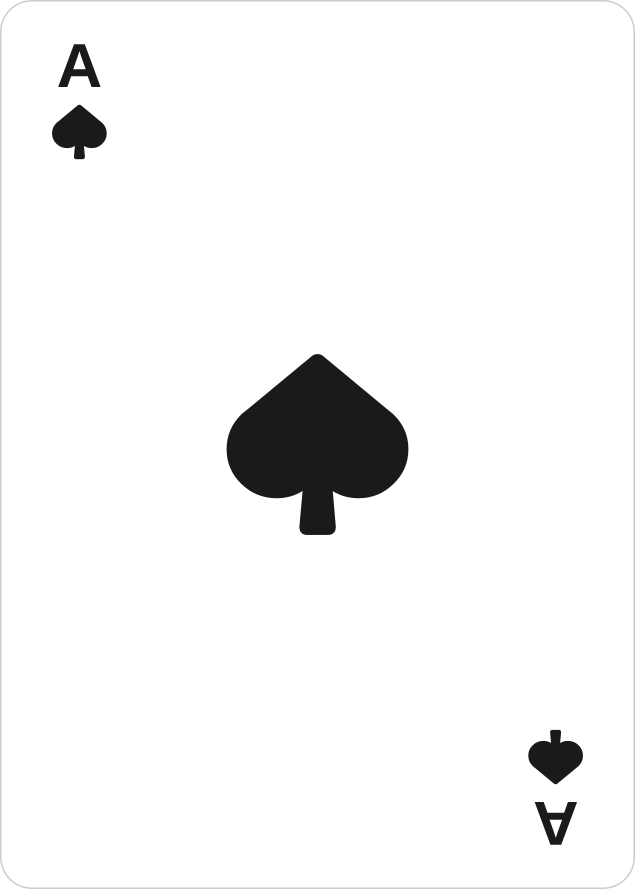
Playing cards
Poker, bridge or tarot, either way up
A full deck of 52 cards and two jokers, with pips and court cards, and a window on each card for a photo of your own.
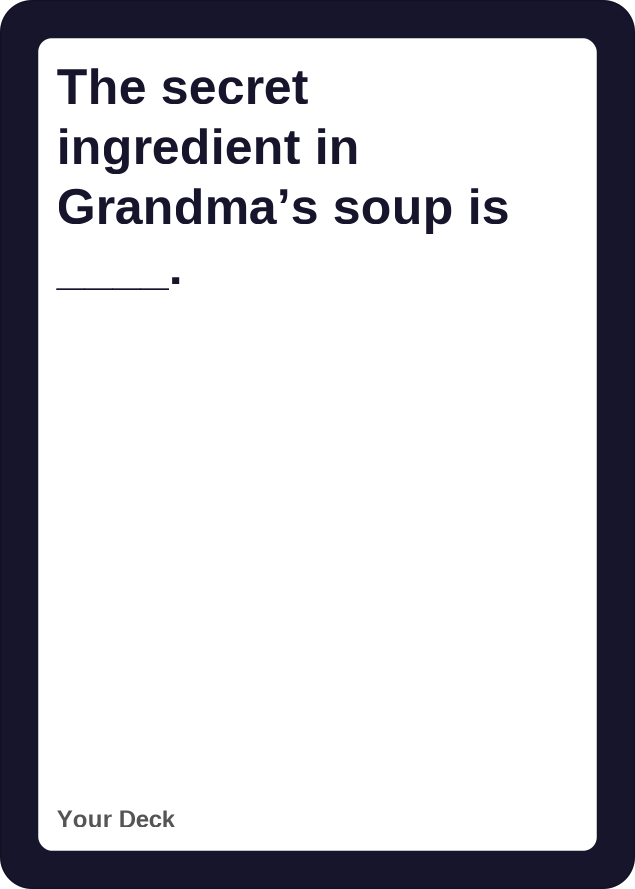
Party cards
Poker, tall, square or landscape
The text cards of a party game: prompts with a blank to fill, with a dark border, and answers with a light one, in large type, with the game's name at the bottom.
Trading card
Poker, tall or landscape
A profile card: a name, who they are, a picture, four stats with their numbers and pips, and a short bio. For a team, a club, a family, or the characters of a game.
Player card
Poker, tall or landscape
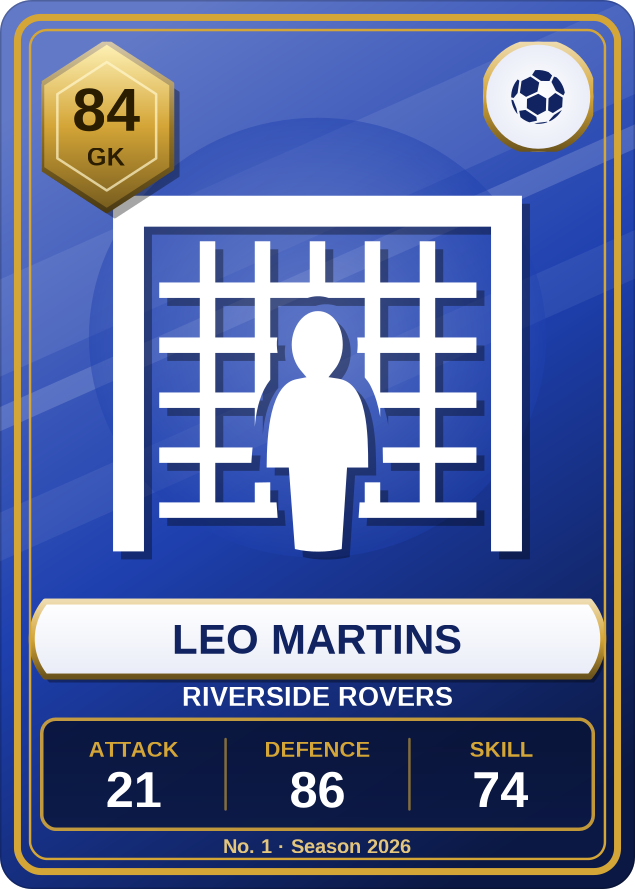
A collectible football card: a rating and position on a badge, the club crest, the player, the name on a plate, and attack, defence and skill.
Sports card
Poker, tall or landscape, two-sided
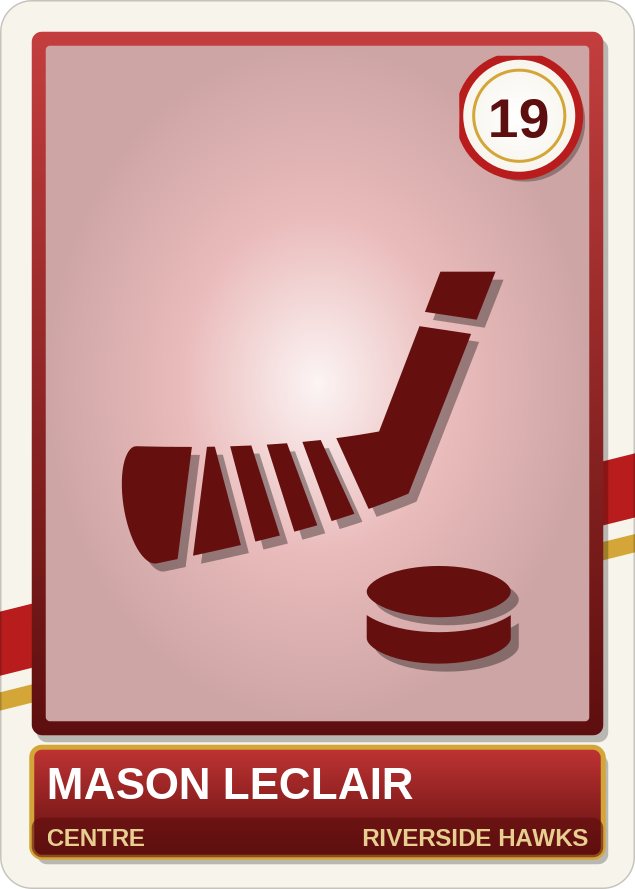
A hockey or baseball card: the photo, number and name on the front, and the bio and a table of season stats on the back.
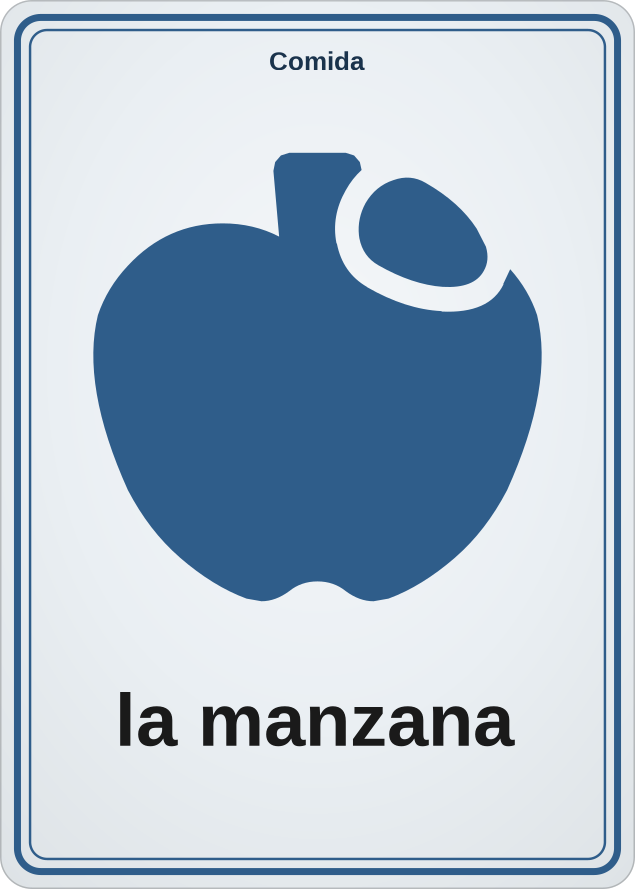
Flashcards
Any size, two-sided
A word or a question on the front with a picture and a label, and the answer on the back, for printing double-sided.
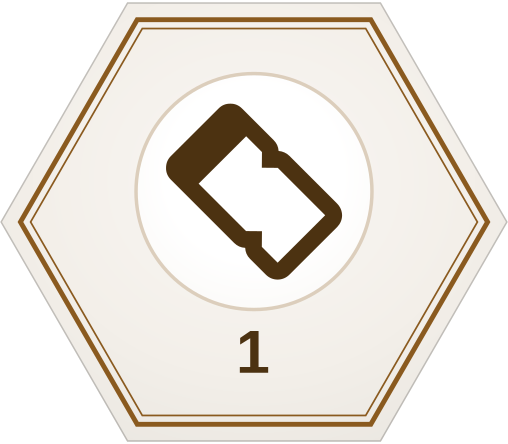
Tokens
Circle punches, chits and tiles
A big icon and a number on a round, hex, octagon or square token: resources, coins and counters.
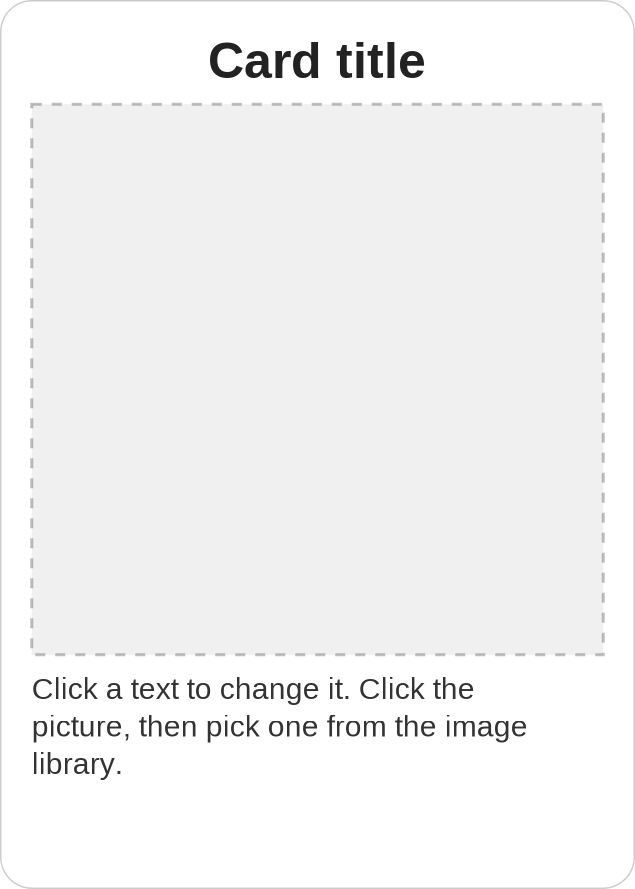
Simple card
Any size
A title, a picture and a few words: the quickest way to see how a card is filled in, and a start for anything else.
Sizes and bleed
A template is not one size: it lays itself out again on whatever card you pick when you start, and again if you change the size later. The sizes people use most:
| Size | Millimetres | Inches | Used for |
|---|---|---|---|
| Poker | 63.5 × 88.9 | 2.5 × 3.5 | Most card games, playing cards, trading and sports cards |
| Bridge | 57.15 × 88.9 | 2.25 × 3.5 | Playing cards that sit better in the hand |
| Mini American | 41 × 63 | 1.6 × 2.5 | Small decks beside a board game |
| Mini European | 44 × 68 | 1.7 × 2.7 | Small decks beside a board game |
| Tarot | 70 × 120 | 2.75 × 4.75 | Tarot and oracle decks, big cards with a lot of text |
| Square | 70 × 70 | 2.75 × 2.75 | Tiles, prompts and cards that are played turned any way |
The print shops' own sizes are on the list too, and you can type in any size of your own. The bleed is the picture carried a little past the cut line, so that a cut that wanders leaves no white edge: The Game Crafter asks for ⅛ inch (3.175 mm) a side, MakePlayingCards about 3 mm, and Ludotipia 4 mm. Pick the shop when you start and the template takes its size and bleed; for cards cut at home, a millimetre and a half is enough. The editor shows the cut line and the safe area inside it, where text should stay. More in Printing.
Questions
- Are the templates free?
- Yes. Every template, the editor and printing are free, with 100 MB for images and fonts; paid plans, on the Pricing page, give more room. You can try a template without an account, kept in your browser, or sign in with just your email to keep your projects online.
- Can I download a blank template?
- Card-a-mon does not hand out blank PDFs or PSDs: you fill in the template in the editor and download the finished cards as a PDF to print at home or as a PNG of every card for a print shop. A template with nothing typed into it prints blank, if a blank card to write on by hand is what you want.
- Can I change a template?
- Yes. Every box can be moved, resized, restyled or deleted, and you can add your own text and pictures. Change it on one card and every card that shares the layout follows.
- What is the difference between a playing card template and a game card template?
- A playing card template is a standard deck: 52 cards in four suits and two jokers. A game card template is one card of a game of your own — a title, art, rules — that you copy for every card of the deck, filling each one in by hand or from a spreadsheet.
- Can I make many cards from one template at once?
- Yes. Export the deck as a spreadsheet, a row per card and a column per field, fill it in, and import it back, or link a Google Sheet. See Cards in a spreadsheet in the help.
- Can I use my own art?
- Yes. Upload PNG, JPEG or SVG images and TTF, OTF or WOFF fonts, or pick from about 140 fonts and a library of game icons. Card-a-mon has no AI art generator: the art on your cards is yours.
Pick a template and your first card is a click away.