A free flashcard maker that prints
Put a word or a question on the front and the answer on the back, add a picture if it helps, and print the whole deck double-sided at home, on whatever size of card you like.
Free, in your browser. Sign in with just your email.
Three steps to a deck of flashcards
Start from the template
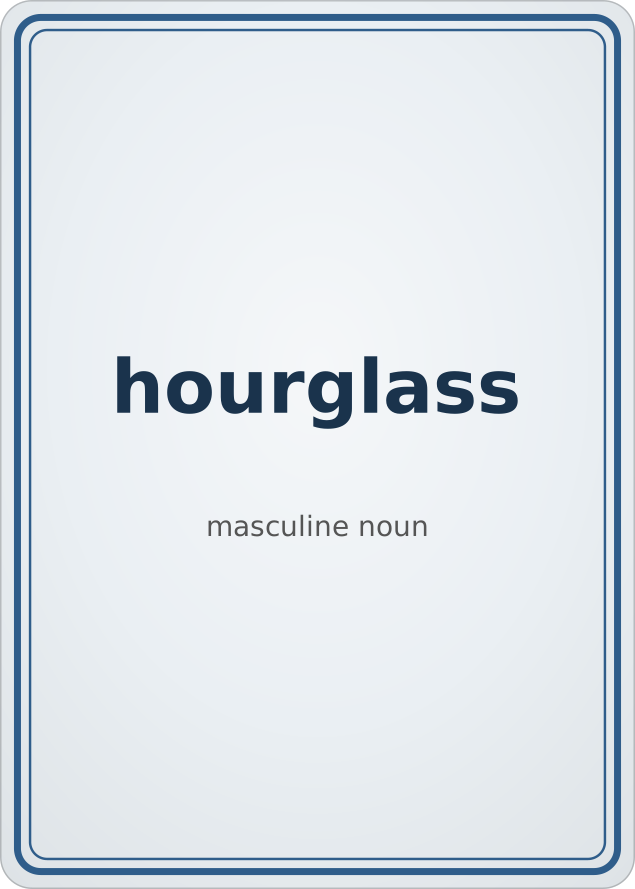
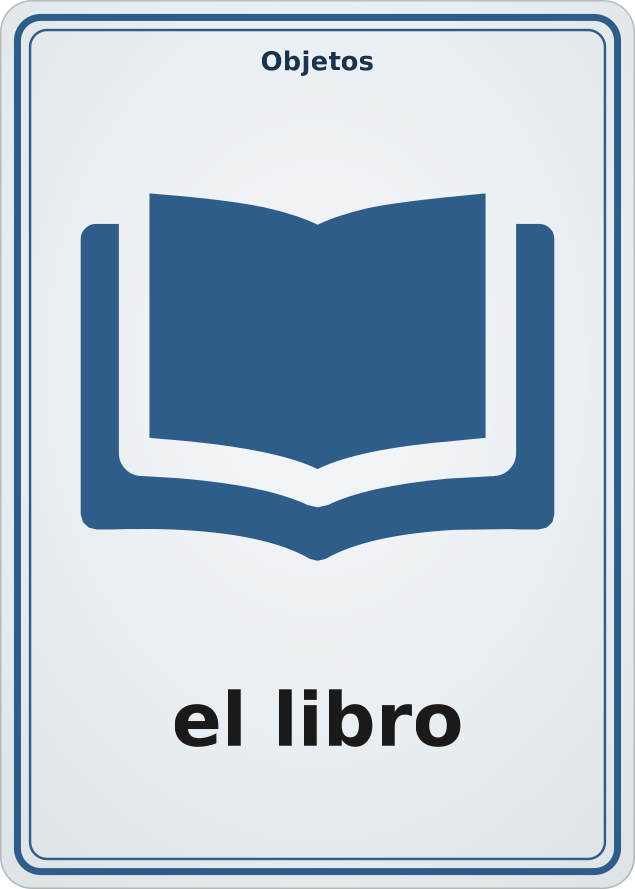
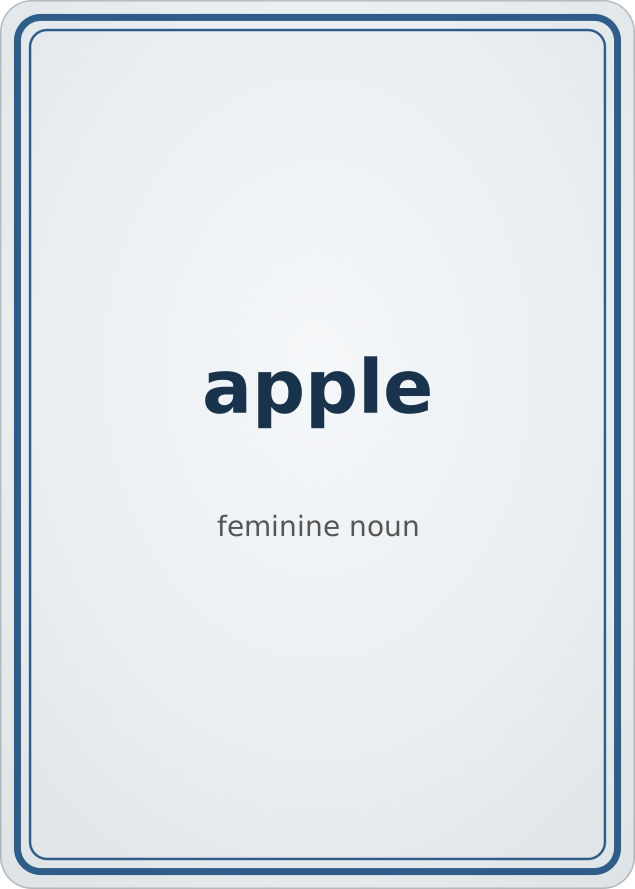
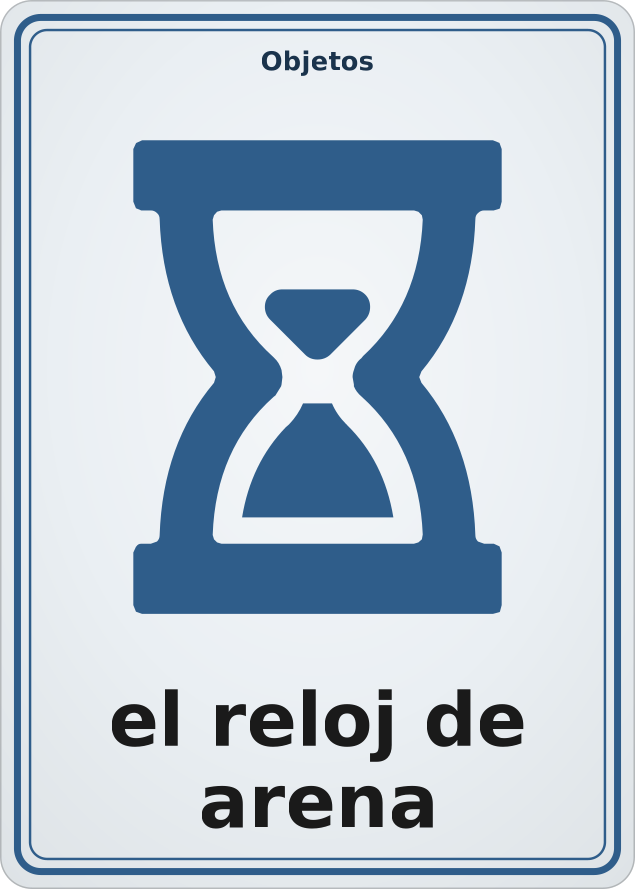
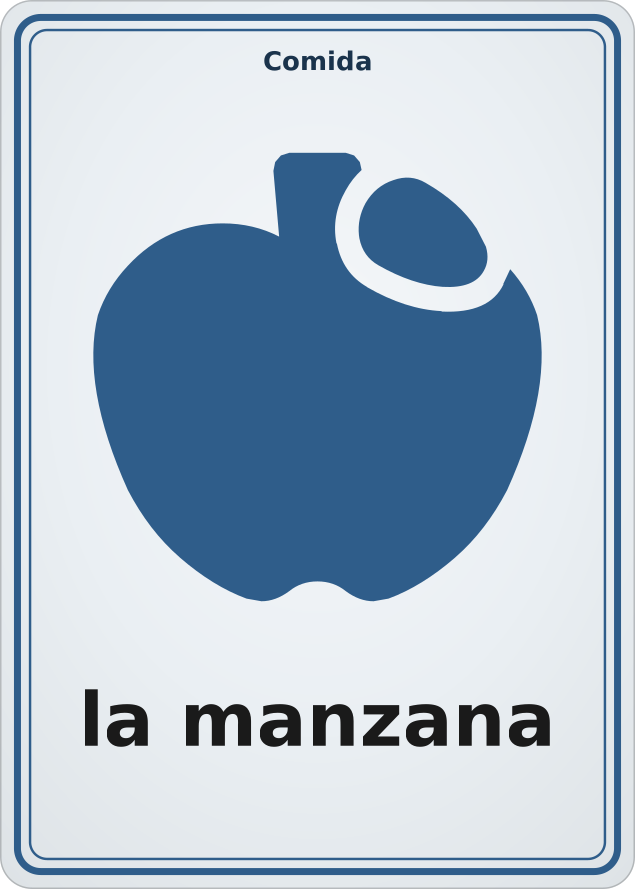
The flashcard template starts as a dozen Spanish words with pictures, so you can see how it works. Pick any card size: a poker card, a tarot card, an index card, even a round one.
Put in your own words
Type the word or question on the front of each card and the answer on the back. For a long list, export the deck as a spreadsheet — a row per card — fill it in, and import it back.
Print both sides
Get a PDF with the fronts on one page and their answers on the next, lined up so that each answer lands behind its own question, with cut marks to follow with scissors.
Flashcards for anything
Vocabulary for a language, times tables, capitals, dates for a history test, formulas, picture cards for children who are learning to read, or the steps of a recipe. A label at the top of each card keeps a mixed deck sorted.
Questions
- Is it free?
- Yes. Card-a-mon is free to use, and all you need to sign in is an email address. There is no tracking and no advertising.
- How do I print flashcards double-sided?
- Print the PDF on both sides of the paper, flipping on the long edge: every page of questions is followed by a page of their answers, laid out to match. If your printer only prints one side, print the odd pages, put the stack back in the tray, and print the even pages.
- What size are the flashcards?
- Any size you like. Pick one of the card sizes print shops sell, or type in your own, such as a 5 × 3 inch index card (127 × 76 mm). The layout fits itself to the card.
- Can I add pictures?
- Yes. Upload PNG, JPEG or SVG images and put one on any card, or leave the picture out. Picture flashcards work well for young children and for vocabulary.
- How do I make a lot of flashcards at once?
- Export the deck to a spreadsheet, where each card is a row, type or paste in your words and answers, and import the file back. Each row becomes a card.
- Can I study with it on screen?
- No. Card-a-mon makes cards to print and hold. It does not quiz you or schedule reviews.
Your first deck of flashcards is a click away.